
Enterprise automation is still largely based on rules. A trigger occurs, a condition is checked, and an action takes place. This approach works perfectly when there are no unexpected elements involved in the process. The problem is that this method fails when there is constantly changing information, multiple systems involved, and context-dependent actions.
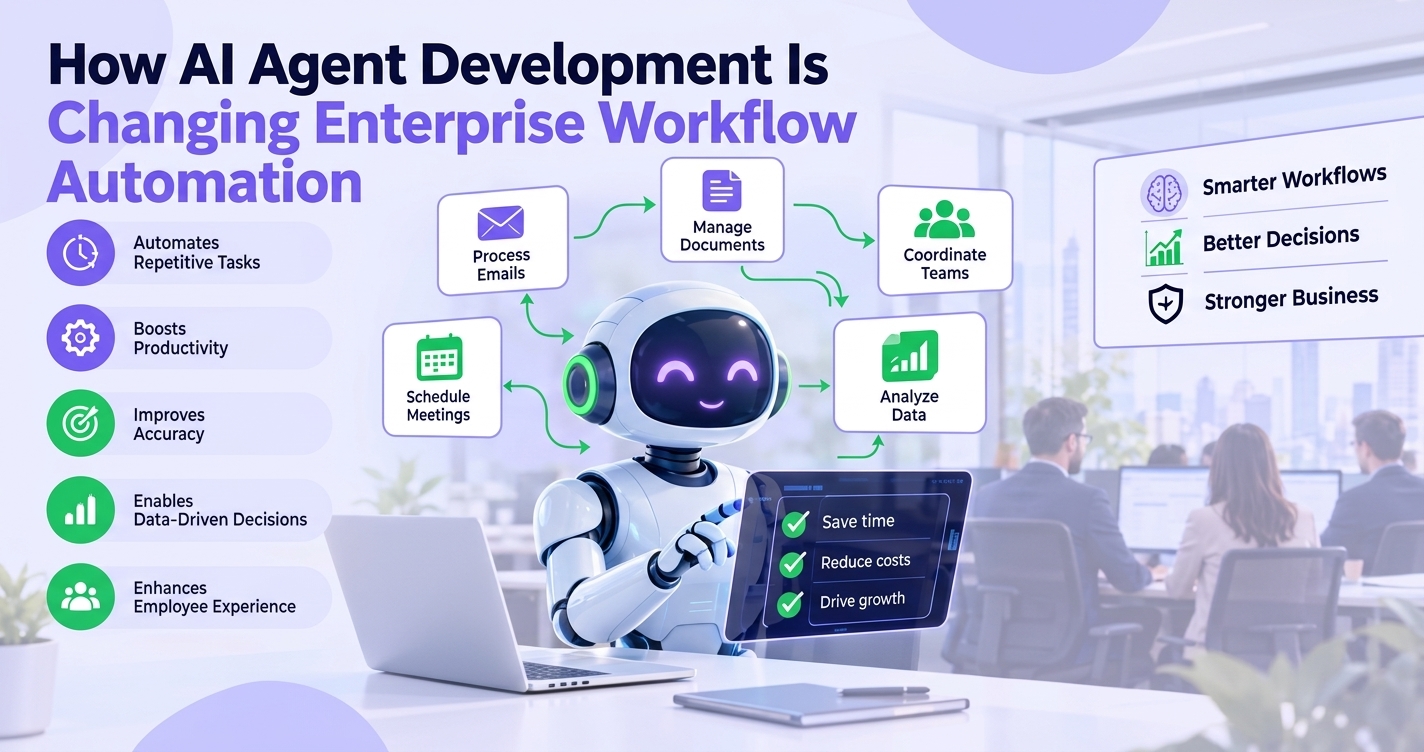
AI agent development services change the model. An agent takes a goal, gathers what it needs, uses the tools it’s connected to, makes decisions, and works through several steps to finish the job. That makes it a good fit for processes full of unstructured data and constant exceptions.
What is AI agent development?
It means building AI systems that can understand a business objective and carry out tasks with some independence. These systems usually combine large language models (LLMs), business rules, APIs, enterprise data, outside tools, and monitoring.
A chatbot mostly answers questions. An agent works toward an outcome. It can split a request into smaller tasks, pull data from an internal system, call an API, act, check the result, and keep going until the work is done.
Take a customer request. An agent can identify the issue, pull the account from the CRM, check the order management system, open a support ticket, and hand the case to a person if it needs one.
If you’re looking at the technology underneath, LLM Development Services cover systems that need language understanding, reasoning, and links into enterprise applications.
How AI agents differ from traditional workflow automation
The two aren’t rivals in most enterprises. They often run side by side.
Traditional workflow automation
Traditional automation runs on fixed rules, set conditions, structured inputs, and predictable paths. An invoice system that sends anything over a certain amount to a manager is the classic example.
It’s reliable when the process is well defined. The catch is that every new exception usually needs another rule.
AI agent automation
Agents are more flexible. They can handle natural language, messy information, several tools at once, and conditions that change halfway through.
| Traditional Automation | AI Agent Automation |
| Rule-based | Goal-oriented |
| Predefined paths | Dynamic paths |
| Structured inputs | Structured + unstructured inputs |
| Fixed decisions | Context-based decisions |
| Task execution | Task planning + execution |
| Limited adaptability | Higher adaptability |
None of this means you should rip out every old workflow. Rule-based automation is still the right call for deterministic processes. Agents earn their place where someone has to interpret something or use judgment.
How AI agent development is transforming enterprise workflows
The impact is easiest to see in specific processes.
Customer support
Support tickets do not remain confined within a single system. It becomes possible for an agent to look at the support ticket, look at order status, view the account information, create a ticket, and go faster. This brings together the conversation and the task process.
Finance and accounts payable
The finance department manages invoices, purchase orders, approvals, and numerous exceptions. The agents extract information from invoices, compare it with the purchase orders, find discrepancies, and report them for approval.
Payment processes are not like that. Anything having to do with payment needs an additional approval step that cannot be done by the agent alone.
Sales and CRM workflows
Sales teams bounce between the CRM, email, calendars, documents, and customer databases. An agent can qualify leads, research customers, update CRM records, summarize meetings, and prep follow-ups. Picture it reading up on a new lead, summarizing what matters, updating the CRM, and queuing the next step for a salesperson.
IT operations
In IT, agents can triage incidents, classify tickets, search the knowledge base, and support employees. They can pull information from several systems before recommending a fix or starting a workflow.
Automated remediation needs clear permissions and escalation rules. Higher-risk actions should still go past a human.
HR and employee operations
HR tasks entail documentation, onboarding, policy-related inquiries, approval processes, and internal requests. The agents can help in organizing these activities within the HR platform and knowledge base, and forwarding exceptions to the concerned individual or department.
Taken together, these examples show enterprise AI automation moving beyond single tasks to coordinate entire business processes.
How AI agents integrate with existing enterprise systems
An agent is only useful if it can work inside the systems employees already use. Instead of sitting off to the side as another AI tool, it can connect to CRM and ERP platforms, HRMS software, helpdesks, databases, cloud services, and knowledge bases.
APIs do most of that connecting. Authentication, permissions, data access, and orchestration also need careful design, so an agent can only access the information and actions it’s authorized to use.
If you’re wiring agents into existing software, AI Integration Services can help connect AI capabilities to your enterprise applications and workflows.
This layer matters more than people expect. An agent might understand a request perfectly and still be useless if it can’t securely reach the data and tools to finish the task.
Benefits of AI agent-based workflow automation
Faster task execution. Agents can run repetitive, multistep work without employees copying information between systems at every stage.
Less manual work. People spend less time on data retrieval, ticket classification, information gathering, and routine updates.
Better adaptability. Predefined workflows break when something unexpected shows up. Agents can read changing information and decide the next step from the context they have.
Easier access to business information. An agent connected to several authorized systems can pull from different sources and use them all in one workflow.
People stay in charge. Not every decision should be automated. Human-in-the-loop AI allow organizations set approval checkpoint for payments, customer-impacting changes, or access to sensitive information. Autonomy isn’t the goal for every workflow, and pairing automation with human judgement is usually the better design.
Challenges to consider before implementing AI agents
Adopting agents brings real technical and operational questions.
Data security and privacy. You need access controls, authentication, permissions, and sound data handling. Give each agent only the information it needs.
Accuracy and reliability. AI outputs and decisions may need validation. Test and monitor agents, especially when they operate across several business systems.
Integration complexity. Legacy APIs, fragmented databases, and disconnected applications make enterprise AI integration harder. The agent is only one piece of the architecture.
Governance and compliance. Set up logging, audit trails, approval mechanisms, and policies for how agents access data and take action.
Human oversight. Decide up front which actions an agent can take on its own and which need approval. That matters most for financial, legal, security, and customer-impacting processes.
What the future of enterprise workflow automation looks like
Expect a mix of traditional automation, AI agents, business rules, APIs, and human approvals working together.
Agentic AI can make workflows more adaptive. Multi-agent systems may let specialized agents coordinate different parts of a larger process, and AI orchestration can manage how information and tasks move between systems.
Still, you don’t need to add AI to every process. Look for workflows where contextual decisions, unstructured information, and multistep coordination would pay off in practice.
How to get started with AI agent development
- Pick a workflow. Start with a repetitive process that has clear business value and measurable outcomes.
- Map the current process. Write down the systems, data sources, decisions, approvals, exceptions, and manual steps.
- Describe how the agent behaves. Define what information it can read, decide on, and execute.
- Interconnect your systems. Integrate your APIs, databases, SaaS providers, and internal tools, ensuring proper access management.
- Include governance and oversight. This includes decision-making, permission configuration, monitoring, escalations, and audit logs.
- Measure and refine. Measure exception rate, completion rate, accuracy, speed, and human intervention rate. Use these measures to optimize the process and the agent.
Conclusion
AI agent development services take enterprise automation from pre-set rules to workflows that depend on the objective being achieved. An agent is able to comprehend the request made, interface with the enterprise system, perform multiple tasks, and adjust depending on the situation.
But dropping an AI model into an existing process won’t get you there. Solid integrations, reliable data, security controls, governance, human oversight, and ongoing monitoring all carry weight.
If you’re weighing custom AI solutions, AI Product Development Services can help you work out where agents fit in your applications and workflows.