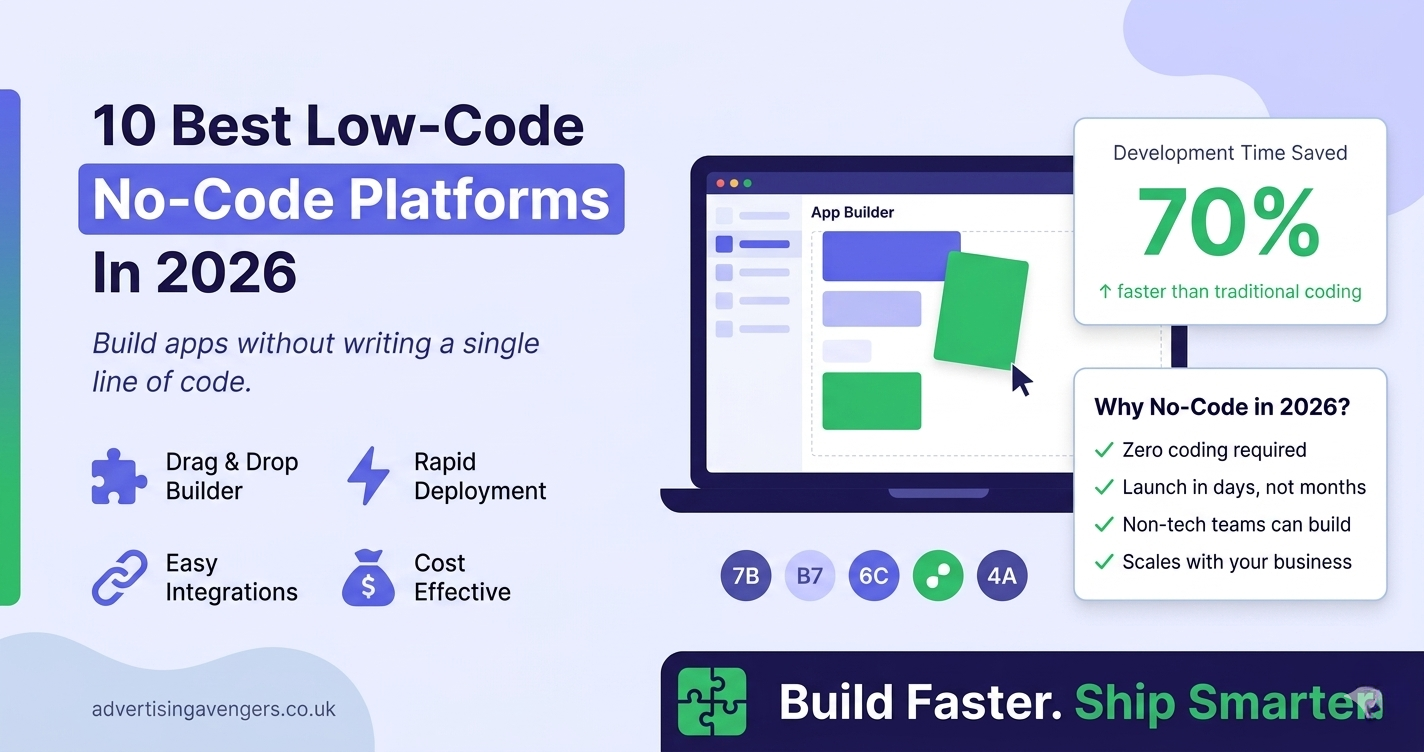
Software development used to require months-long preparation, coding, and testing processes. Modern businesses need more agility and rapid responses to market demands. Thus, Low-Code No-Code Development emerged as an alternative solution.
By relying on visual interfaces and streamlined work processes, firms are able to develop software solutions without extensive coding practices. It enables a fast implementation of innovations and superior performance in competitive markets.
In this article, we will discuss on 10 most popular platforms used in 2026 and highlight many significant tips to get started with them.
What Is Low-Code No-Code Development?
In LCNC development, businesses are enabled to develop their apps via visual interfaces, pre-built modules, and automation tools.
- In low-code application development, developers require minimum codes in the presence of visuals.
- No-code application development enables businesses to develop their apps without writing any code.
This will help them perform efficiently and minimize technical dependencies. Using the power of low-code development for enterprise innovation, businesses can scale up their operations easily.
Why Businesses Prefer Low-Code Platforms
Business owners are choosing these platforms for practical reasons:
- Faster development cycles
- Reduced costs
- Easy updates and maintenance
- Ability to launch MVPs quickly
- Less reliance on large developer teams
These advantages make low-code tools an intelligent alternative for both startups and established corporations.
10 Best Low-Code No-Code Development Platforms
1. Bubble
Bubble has gained immense popularity by offering users the ability to develop their web apps without using any programming language. It integrates design, logic, and databases within itself.
Important Points:
- Visual drag-and-drop interface
- Integrated database and backend
- Workflow creation without coding
- Ideal for developing SaaS products and marketplaces
- Strong community and plugin ecosystem
2. Webflow
Webflow is commonly employed when creating responsive websites that require full creative control of the design process. Users have the flexibility to design appealing websites without involving developers.
Key Pointers:
- Pixel-level design control
- Built-in CMS and hosting
- Clean and responsive design output
- SEO-friendly structure
- Great for marketing and content-driven websites
3. OutSystems
Outsystems is an excellent option for businesses requiring scalable applications, because it handles intricate workflows, integration, and performance considerations.
Core Features:
- Supports complex workflows
- Strong integration capabilities
- Enterprise-grade security
- Scalable for large applications
- Ideal for modernizing legacy systems
4. Adalo
Adalo is a solution for building mobile applications and known for its ease of use. Users can create and deploy mobile applications without having any prior coding skills.
Important Aspects:
- Drag-and-drop mobile app builder
- Built-in database support
- Direct publishing to app stores
- Simple UI for beginners
- Great choice for a low-code platform for mobile application development
5. Glide
What sets Glide apart is its innovation of transforming spreadsheets into usable applications, allowing companies to develop apps without having to build them from the ground up.
What Stands Out:
- Transforms Google Sheets into applications
- Updates data in real time
- Clean & Elegant design
- Fast implementation
- Best suited for internal tools and dashboards
6. Mendix
This platform is widely recognized to be adaptable and able to collaborate with both beginners and proficient programmers. It provides teams an environment for working together, so that they can build apps together.
Platform Highlights:
- Visual development environment
- AI-assisted development features
- Collaboration tools for teams
- Scalable architecture
- Appropriate for enterprise-level applications
7. Zoho Creator
It helps you design applications for your company without writing many lines of code. The software has a simple user interface that allows the teams to organize their tasks, control their information, and develop programs that match their job requirements.
What It Offers:
- Workflow automation features
- Easy app customization
- Integration with Zoho ecosystem
- Cost-effective solution
- Useful for operational and internal apps
8. Thunkable
This platform is designed to facilitate the formation of cross-platform applications. The application runs on both Android and iOS devices, hence its suitability for firms that target a wide range of users.
Primary Features:
- Supports Android and iOS
- Drag-and-drop interface
- Live testing and preview
- Beginner-friendly platform
- Reliable low-code mobile app builder
9. Airtable
Airtable blends database functionality with app-building features. It allows teams to organize data and create workflows in a flexible way.
Feature Breakdown:
- Flexible data organization
- Automation capabilities
- Easy collaboration
- Custom views and workflows
- Suitable for project management and internal systems
10. Appgyver
Appgyver provides a sophisticated no-code development environment that allows for advanced logic, integration, and responsive design.
Feature Snapshot:
- Visual logic builder
- API integration support
- Responsive app design
- High level of customization
- Suitable for enterprise use cases
How to Select the Right Platform
Every company has separate requirements, so the correct platform depends on your goals.
Consider the following:
- Type of application you want to build
- Budget and expected growth
- Integration with existing systems
- Ease of use for your team
For example:
- Bubble works well for web-based products
- Adalo and Thunkable fit mobile app needs
- OutSystems and Mendix support enterprise applications
Why Businesses Choose Low-Code No-Code App Development Services
Many companies begin with these platforms on their own. As their needs grow, they often look for expert support through low-code no-code app development services.
These services help with:
- Platform selection
- Custom application development
- Integration with third-party tools
- Maintenance and scaling
Working with experienced professionals helps businesses avoid delays and build more efficient applications.
Real Use Cases Across Industries
Low-code platforms support a wide range of applications:
- Customer portals for service businesses
- Inventory management systems
- Booking and scheduling platforms
- Internal dashboards for teams
- Mobile apps for customer engagement
These tools allow businesses to launch quickly and improve based on feedback.
What’s Next for Low-Code No-Code Development
The future of Low-Code No-Code Development continues to look strong. Platforms are improving with better features and smarter tools.
Some trends shaping 2026 include:
- AI-assisted app creation
- Better cloud integrations
- Improved scalability
- Wider adoption across industries
Businesses that adopt these tools early often gain a strong advantage in speed and innovation.
Final Thoughts
Due to low-code solutions, application building has become easier. Things that would take months of effort can now be achieved quickly.
From the perspective of entrepreneurs, using these solutions will ensure quick launches and less expense on your digital endeavors. No matter if you are developing new software or upgrading your current systems, these solutions will assist you in fulfilling your objectives effectively.
If you want to build top-quality applications without lags, working with professionals offering low-code no-code app development services can assist you move faster and get excellent results.