
Chatbots have evolved from simple customer service scripts into essential tools for marketing, sales, and engagement. The best part? You don’t need coding skills anymore. Today’s no-code chatbot builders let anyone create interactive, AI-powered assistants for websites and social media in just a few clicks.
From automating Instagram DMs and WhatsApp replies to chatting with customers on your website, these platforms make it simple to connect with your audience—day or night. In this guide, we’ve rounded up the 10 best chatbot builders, comparing their features, pricing, and ease of use. Whether you’re a beginner or a growing business, you’ll find the right tool to build your perfect chatbot.
SendPulse
SendPulse is an all-in-one marketing automation platform built for businesses that want to connect with customers across multiple channels—without needing to code. From social messaging to email and web chat, it’s designed for beginners who value ease of use and scalability. Unlike most competitors, SendPulse also lets you create chatbots for TikTok, making it one of the few platforms that support this fast-growing channel.
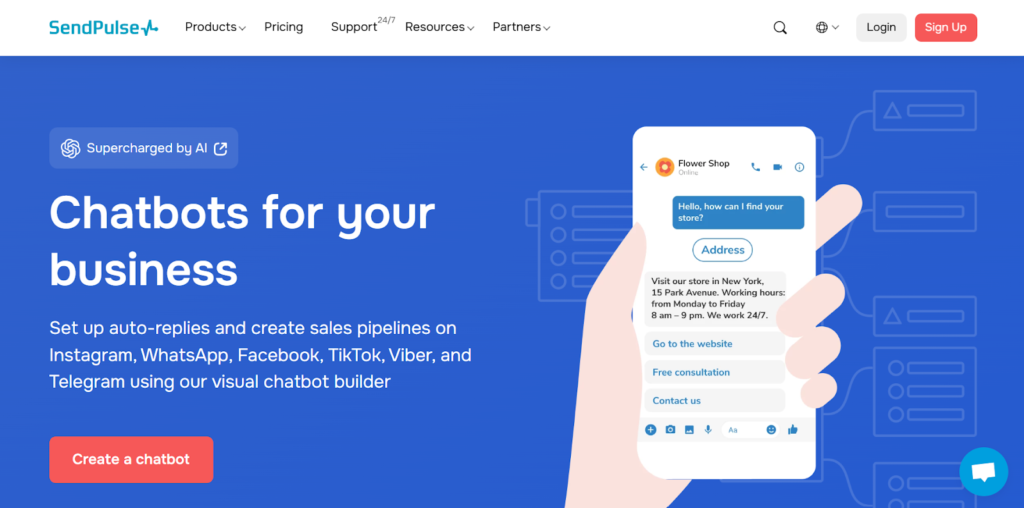
Channel & Platform Support
- Website chat widgets are easy to embed, so your chatbot can greet site visitors instantly.
- Instagram: Free Instagram chatbot supports direct messages and auto-replies for comments, enhancing engagement automation.
- TikTok: Unique among competitors, SendPulse supports TikTok chatbots.
- WhatsApp Business API: Official Business Solution Provider (BSP) status ensures reliable, compliant access.
- Facebook Messenger: Native support for Messenger bots.
- SMS and Email: Integrated within the same automation ecosystem.
Visual Builder & Templates
SendPulse includes a drag-and-drop flow builder that’s intuitive even for beginners. You can easily create conditional flows, loops, and triggers with visual clarity. A large template library offers prebuilt flows for e-commerce, customer service, and appointment reminders—optimized for each channel.
Automation, Segmentation & Triggers
The automation engine enables event-based triggers for website visits, purchases, or abandoned carts. You can segment audiences by attributes or behavioral events, allowing hyper-targeted messages. These tools make personalized marketing campaigns achievable without needing developer help.
Inbox, Analytics & Usability
SendPulse provides a unified inbox where human agents and bots can manage messages together. You can monitor message performance through campaign analytics showing delivery rates, opens, and interactions. It’s also GDPR-compliant, making it safe for European markets.
Pricing & Free Plan
SendPulse offers a free plan that includes up to three chatbots, 500 subscribers, and 10,000 messages per month, perfect for small businesses just getting started. Paid plans start affordably at $8/month, offering unlimited chatbots, messages, and advanced features. This flexibility makes it easy to scale from startup to enterprise level without migrating to a new system.
In short, SendPulse is a powerful yet approachable chatbot solution—ideal for entrepreneurs who want marketing automation, omnichannel communication, and scalable AI without breaking the bank.
Chatbase
Chatbase positions itself as an AI chatbot builder powered by your own data, helping you transform documents or website content into conversational assistants. It’s tailored for businesses that want a knowledge-based chatbot for support or onboarding rather than a heavy marketing suite.
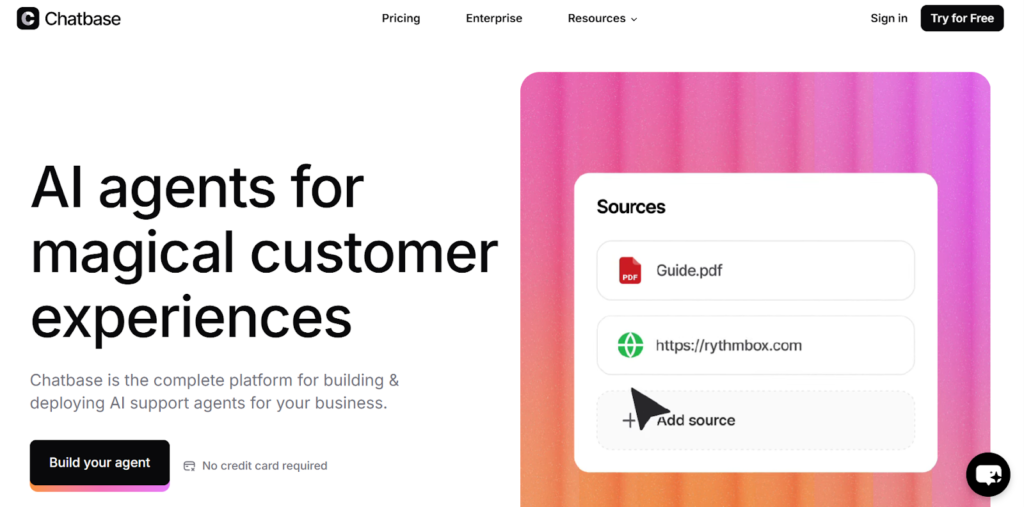
Channel & Platform Support
- Website widget: You can easily embed a Chatbase bot on your site to answer FAQs in real-time.
- Messenger & social apps: The platform mainly focuses on web and custom API deployment rather than omnichannel messaging.
- No WhatsApp or Instagram automation: Its scope is knowledge-based rather than marketing-oriented.
Visual Builder & Templates
Chatbase doesn’t have a complex visual flow builder—instead, it uses an AI-driven conversational model that automatically learns from uploaded text or documents. While it lacks ready-made templates for industries, its setup is so simple that most users can go from data upload to chatbot deployment in under 10 minutes.
Automation, Segmentation & Triggers
Rather than marketing triggers, Chatbase excels at content-based automation. It can answer user questions intelligently based on your data and can integrate with APIs for dynamic responses.
Inbox, Analytics & Usability
The platform includes basic analytics, such as message counts and satisfaction metrics, helping you track how well the AI responds to users. Its clean interface focuses on simplicity—ideal for startups, educators, and small support teams.
Pricing & Free Plan
Chatbase offers a free plan that allows 100 message credits. Paid plans start from $32/month to have 2,000 message credits. For beginners, it’s a straightforward way to test AI chatbots without large upfront costs.
If you’re seeking a data-driven AI chatbot that’s easy to launch and doesn’t require marketing expertise, Chatbase offers one of the most user-friendly entries into AI chatbot creation.
Tidio
Tidio is a customer service–first chatbot and live chat platform that helps small businesses deliver quick, personalized support. It blends automation and human touch seamlessly, letting teams engage visitors through chat widgets and social channels. Tidio’s charm lies in its simplicity—perfect for beginners looking to offer instant responses without diving into complex marketing funnels.
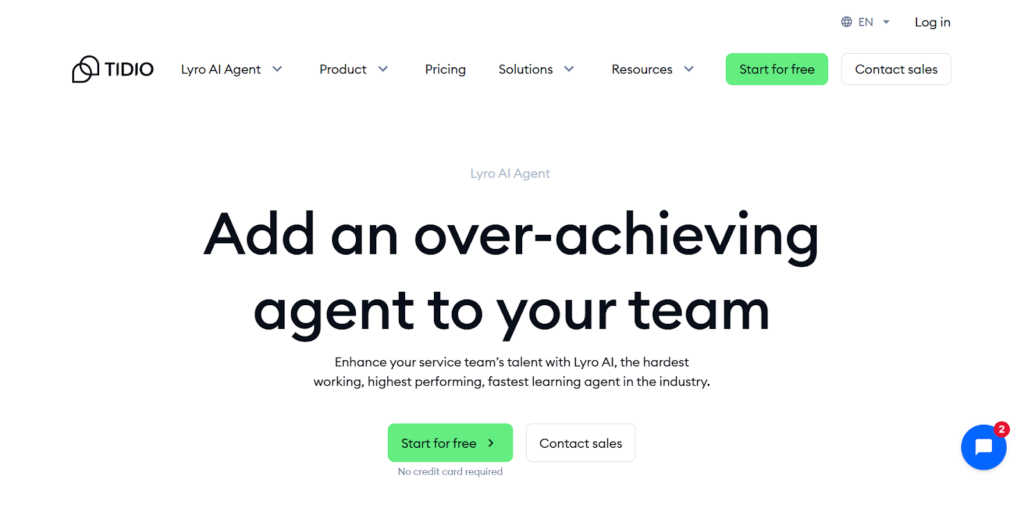
Channel & Platform Support
- Website chat widget: Fully integrated; customizable and responsive across devices.
- Facebook Messenger: Supported, allowing businesses to answer messages directly within Tidio.
- Instagram: Offers partial support for DM management through the shared inbox.
- WhatsApp: Natively integrated; you can connect your WhatsApp Business number for direct messaging.
- Email and live chat: Unified communication ensures no message goes unanswered.
Visual Builder & Templates
Tidio’s visual builder is simple yet effective—it uses blocks and conditions to map out conversations. Even beginners can build multi-step flows without writing a single line of code. A generous template library covers use cases like abandoned cart recovery, lead qualification, and support FAQs, helping users launch fast.
Automation, Segmentation & Triggers
Tidio enables event-based automation, like sending messages when a visitor returns, views a product, or lingers on a page. Segmentation allows filtering by chat history, user data, or behavior, helping you tailor responses to each customer’s intent.
Inbox, Analytics & Usability
The shared inbox merges all messages—email, Messenger, live chat, and chatbot conversations—into one simple interface. Tidio’s analytics dashboard tracks performance and customer satisfaction, giving teams actionable insights. Combined with GDPR compliance and multilingual support, it’s a smart fit for global startups focused on service quality.
Pricing & Free Plan
Tidio offers a free plan that includes live chat, 100 chatbot conversations per month, and basic templates. The Starter plan at $29/month unlocks more conversations, advanced AI features, and integrations.
In essence, Tidio is a go-to solution for those who value real-time support and hybrid automation—bridging the gap between bots and people beautifully.
TARS
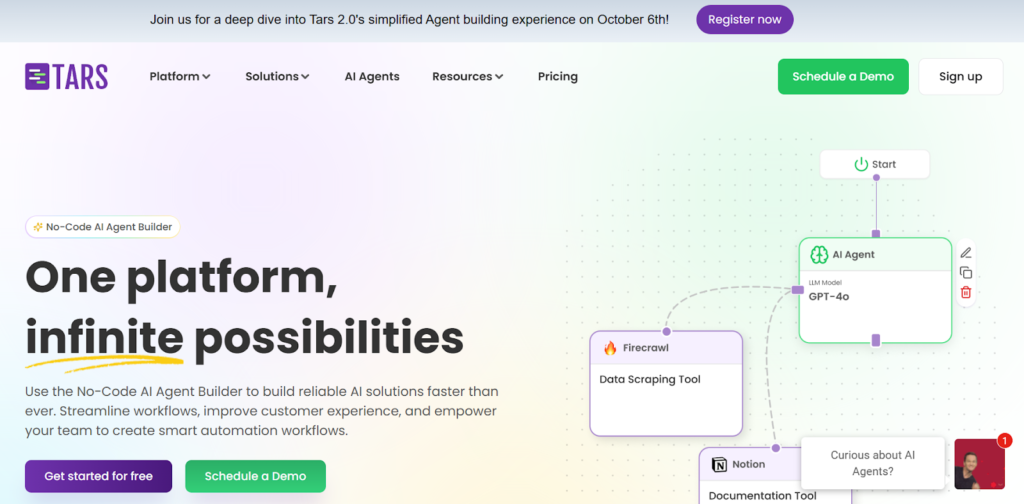
TARS takes a slightly different approach—it’s built around the concept of conversational landing pages. Instead of boring web forms, TARS replaces them with interactive chat experiences that improve conversion rates and capture leads more effectively. It’s ideal for marketers who want their websites to talk back.
Channel & Platform Support
- Website: Fully supports embedded chatbots on any site, designed to replace static forms.
- Messenger: You can deploy chatbots on Facebook Messenger as part of campaigns.
- WhatsApp Business API: Integrated via its engagement suite, helping businesses re-engage customers easily.
- No Instagram or SMS support—the platform focuses primarily on web and WhatsApp experiences.
Visual Builder & Templates
TARS features a visual flow builder where each message and response becomes a block in your conversational flow. It’s intuitive, with conditional logic that lets marketers build branching dialogues. The template gallery covers multiple industries—from banking and insurance to healthcare—helping users design optimized conversation journeys fast.
Automation, Segmentation & Triggers
While not as advanced in CRM-style segmentation as some tools, TARS offers event triggers for forms, cart activities, or site visits. You can connect it to CRMs and analytics tools for deeper segmentation through integrations. Its focus remains on conversion optimization and lead qualification.
Inbox, Analytics & Usability
TARS provides a live chat handover feature that enables agents to take over conversations mid-flow. Detailed analytics dashboards measure traffic, engagement, and conversion rates—valuable for A/B testing landing page variations.
Pricing & Free Plan
TARS includes a freemium plan with up to 50 chatbot conversations per month, enough to experiment with conversational forms. Paid plans start at $499/month for 500 conversations.
For marketers aiming to replace web forms with smarter, more human-like conversations, TARS offers a refreshingly focused approach that can dramatically increase lead quality.
Chatfuel
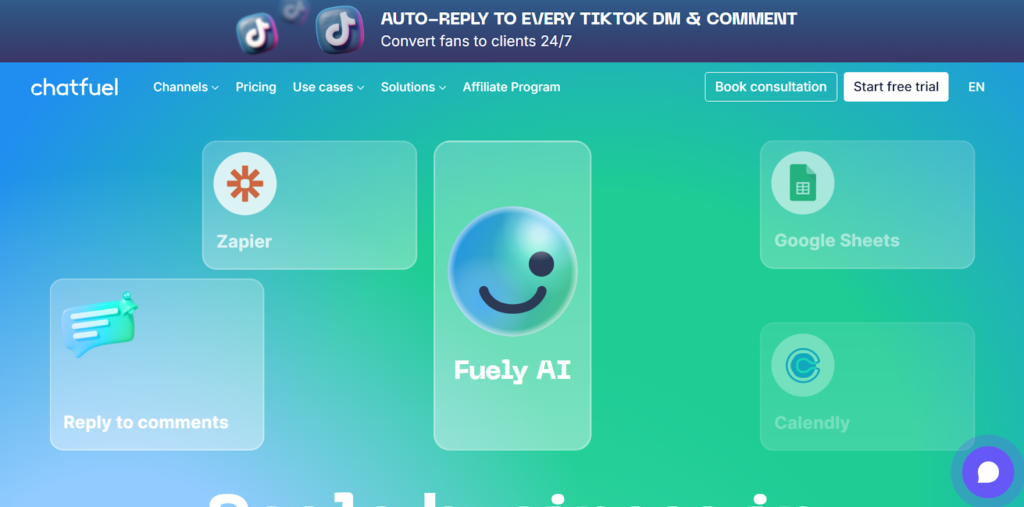
Chatfuel is one of the original no-code chatbot builders created for Facebook Messenger—and today, it has evolved into a multi-channel automation platform trusted by marketing teams and entrepreneurs alike. Known for its simplicity and Meta partnership, it’s especially appealing to those who want to automate sales and support across Messenger, Instagram, and WhatsApp without needing developers.
Channel & Platform Support
- Facebook Messenger: Chatfuel’s flagship channel and one of its strongest integrations.
- Instagram: Official Meta partner status means full automation for DMs and comment replies.
- WhatsApp Business API: Supported through Meta’s official business platform.
- Website: Basic web chat widget available, though Messenger-first design is more robust.
- No SMS integration natively, but third-party connectors are available.
Visual Builder & Templates
Chatfuel’s drag-and-drop visual builder allows users to design conversational flows using “blocks” and “AI rules.” Templates include lead generation, e-commerce promotions, and customer support scenarios. While it’s not as flashy as newer builders, its structure is reliable and easy to learn for beginners.
Automation, Segmentation & Triggers
Chatfuel supports event-based triggers and audience segmentation through user attributes and actions—like clicks, purchases, or message keywords. This allows marketers to automate personalized responses and retarget users effectively, keeping interactions relevant and timely.
Inbox, Analytics & Usability
The shared inbox feature helps teams respond to customer inquiries in real time, seamlessly switching between bots and human agents. Chatfuel also provides real-time analytics on campaign performance, helping marketers measure engagement and conversion metrics.
Pricing & Free Plan
Chatfuel offers a free trial for users. The trial lets you explore its visual builder and key automation features. Paid plans start at $24/month and cover 1,000 conversations for Facebook, while the cheapest paid plan for WhatsApp and Instagram will cost you $39/month.
Chatfuel remains a strong choice for social-media-driven businesses—especially those relying on Messenger, Instagram, and WhatsApp to engage customers directly and drive sales.
HubSpot Chatbot
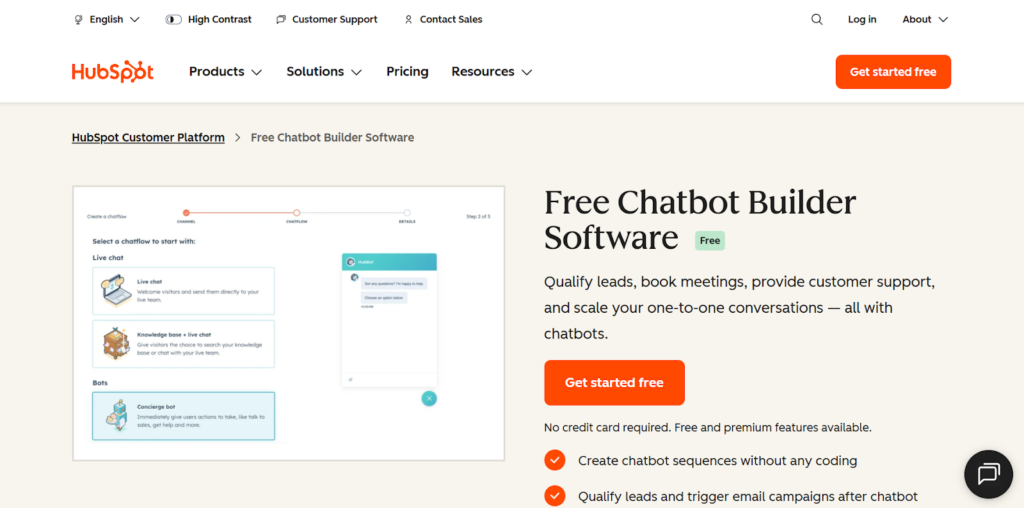
HubSpot Chatbot sits within the larger HubSpot ecosystem, making it ideal for companies that already use the CRM, email marketing, or sales automation tools. Its chatbot builder is designed for lead capture, qualification, and booking—so marketing and sales teams can automatically engage visitors and route them to the right people or actions.
Channel & Platform Support
- Website: Fully integrated chat widget that works beautifully with HubSpot’s landing pages.
- Facebook Messenger: Supported through HubSpot’s connected inbox.
- Email and CRM: Deep integration ensures smooth follow-up via email or internal workflows.
- WhatsApp: Can be connected via HubSpot integrations or partners.
- No Instagram or TikTok chatbot support, since it’s built mainly for website and CRM use.
Visual Builder & Templates
HubSpot offers a drag-and-drop conversation builder with pre-made templates for appointment scheduling, lead capture, and qualification. The interface is polished and easy to navigate, allowing teams to create bots that collect customer data and update CRM fields automatically.
Automation, Segmentation & Triggers
Since the chatbot is embedded in HubSpot’s CRM ecosystem, automation is where it truly shines. You can set up event-based triggers (like page visits or form fills), automated follow-ups, and dynamic segmentation based on contact behavior, company data, or lifecycle stage. This integration turns chat interactions into actionable CRM insights.
Inbox, Analytics & Usability
HubSpot’s unified inbox brings together all customer communications—emails, chats, and Messenger—in one place. Teams can collaborate seamlessly, hand off leads, and use built-in analytics to track conversions and chatbot performance.
Pricing & Free Plan
HubSpot provides a free chatbot tool as part of its HubSpot CRM suite. This plan includes unlimited chats, lead capture, and meeting scheduling. Paid tiers start at around $20/month. Since the chatbot integrates natively with HubSpot CRM, users gain enterprise-level functionality without needing extra apps.
HubSpot Chatbot is perfect for teams that prioritize lead generation and CRM integration over social channel automation, offering a strong balance between ease of use and enterprise-level power.
ChatBot
ChatBot is a polished, business-ready chatbot builder that caters to teams seeking automation across multiple customer touchpoints. Developed by LiveChat, it integrates seamlessly with that ecosystem, offering both marketing and support features in a single, professional-grade package. For beginners, it provides a clean learning curve—no coding required, just clear workflows and results.
Channel & Platform Support
- Website chat widget: Fully supported and customizable with branding and design options.
- Facebook Messenger: Integrated for managing conversations directly through the ChatBot platform.
- WhatsApp and Instagram: Available via integrations or partner connections.
- Email and LiveChat: Deeply connected, enabling smooth transitions from bot to human agent.
Visual Builder & Templates
ChatBot’s visual flow builder is one of its best features—clean, modern, and intuitive. It offers predefined templates for e-commerce, customer support, and lead qualification, which can be customized with variables, buttons, and conditions. Each flow is built visually, giving beginners confidence and control.
Automation, Segmentation & Triggers
The automation capabilities allow event-based actions (like cart abandonment or repeat visits), segmentation by user attributes, and custom triggers that guide users through specific paths. Combined with ChatBot’s integration with CRMs and ticketing systems, it helps streamline workflows for both marketing and service teams.
Inbox, Analytics & Usability
ChatBot integrates with LiveChat’s shared inbox, so teams can handle automated and manual conversations from one interface. The analytics suite provides insights into engagement rates, drop-offs, and conversion metrics, helping refine your bot strategy over time.
Pricing & Free Plan
ChatBot includes a 14-day free trial, allowing users to test its entire suite of features—flows, integrations, and analytics—before committing. Its Starter plan will cost you $52/month for 12,000 chats per year.
For teams that want structure, design polish, and effortless scalability, ChatBot is a great choice—it balances automation power with user-friendliness beautifully.
Jotform AI Chatbot Builder
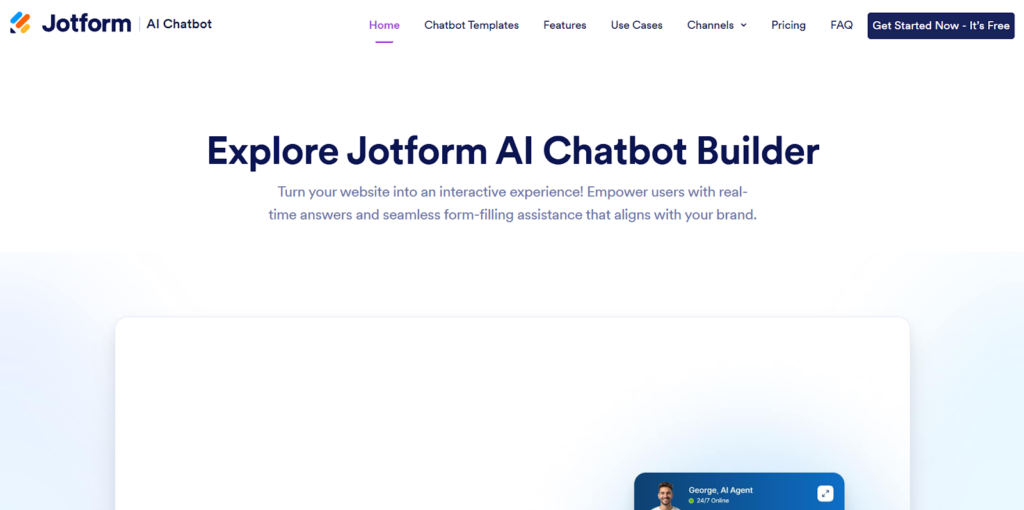
Jotform’s AI Chatbot Builder brings the company’s form-building expertise into the conversational age. It’s perfect for users who want to turn static forms into engaging chat interactions—ideal for collecting leads, conducting surveys, or simplifying registration processes. Because it’s powered by Jotform’s robust platform, everything connects neatly with databases, emails, and third-party tools.
Channel & Platform Support
- Website embed: Effortless integration—just copy and paste the embed code.
- Messenger or WhatsApp: Not supported directly, since the platform focuses on web-based chatbots.
- Email notifications: Built in, allowing automatic follow-ups and lead delivery.
- No Instagram or TikTok bots, but great for web use cases like onboarding or data capture.
Visual Builder & Templates
Jotform’s chatbot builder uses a simple visual editor that turns form questions into interactive dialogues. Templates are available for various industries—healthcare, HR, education, and event registration—making it incredibly quick to launch a conversational form. You can also use Jotform’s AI tools to auto-generate questions and flows from text prompts.
Automation, Segmentation & Triggers
Automation is handled through conditional logic, allowing users to branch conversations or redirect responses. While it doesn’t include behavioral triggers (like cart abandonment), it excels at structured data collection and lead segmentation through form submissions.
Inbox, Analytics & Usability
Jotform offers a centralized submissions inbox where you can view all chatbot responses, filter them by category, and export to CRM or email lists. Built-in analytics reveal completion rates and conversion trends, helping you refine your bot’s questions and layout for maximum engagement.
Pricing & Free Plan
Jotform provides a free plan that includes 5 AI chatbots with 100 monthly conversations and 10,000 monthly sessions. The cheapest paid plan starts from $34 monthly for 25 AI chatbots and 2,500 monthly conversations.
Jotform’s chatbot builder is a friendly entry point into conversational design—ideal for organizations that rely on forms but want to make them interactive, engaging, and modern.
ManyChat
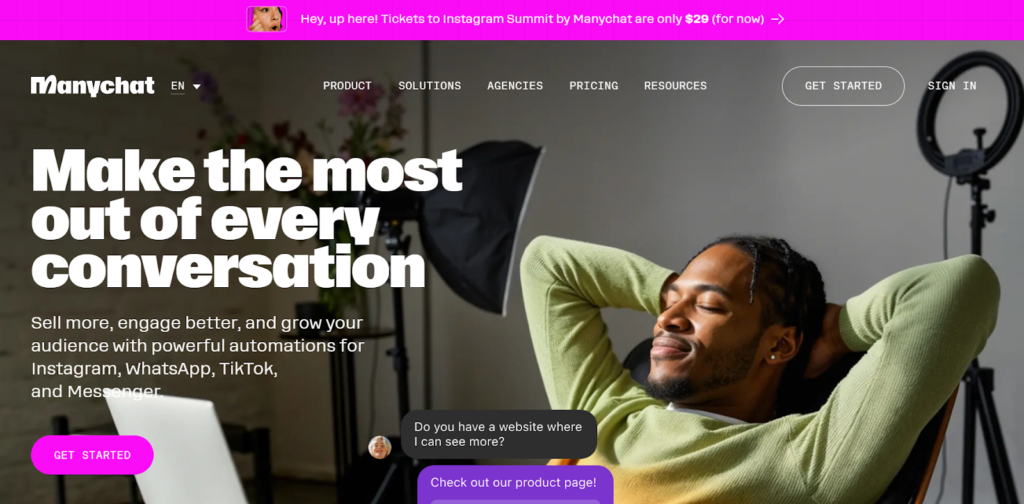
ManyChat is one of the most well-known chatbot platforms for social media automation, favored by small businesses and influencers who want to engage followers at scale. It’s built for marketing—automating replies, sending broadcast messages, and nurturing leads directly inside popular channels like Instagram, Facebook Messenger, and WhatsApp. If your goal is to build engagement where your audience already hangs out, ManyChat is a strong contender.
Channel & Platform Support
- Facebook Messenger: A core channel, fully integrated with features like quick replies, product cards, and carousels.
- Instagram: Official partner integration, including comment auto-replies and DM automation.
- WhatsApp Business API: Supported, giving global reach for sales and customer support.
- SMS and email: Built-in to ManyChat’s system for complete marketing sequences.
- No website chat widget (it’s primarily social-focused), but integrations with web tools are available.
Visual Builder & Templates
ManyChat’s drag-and-drop visual flow builder is fun to use and clearly designed for beginners. Each flow can contain branching paths, conditions, and media elements like images or buttons. The template library is robust, offering prebuilt flows for sales, support, and product promotions across different industries.
Automation, Segmentation & Triggers
You can set up event-based triggers such as when users comment on a post, send specific keywords, or abandon a cart. ManyChat’s segmentation tools let you filter audiences based on behavior, purchases, or location, making it great for personalized marketing.
Inbox, Analytics & Usability
The unified inbox keeps all customer interactions organized, while performance analytics display open rates, click-throughs, and campaign results in real time. GDPR compliance tools and clear opt-in prompts ensure data safety and transparency.
Pricing & Free Plan
ManyChat provides a free plan for up to 1,000 contacts, giving beginners plenty of room to learn the ropes. The Pro plan, which starts at $15/month, adds unlimited contacts, advanced audience segmentation, keyword triggers, and more automation rules, along with integration support for tools like Shopify and Google Sheets.
ManyChat shines as a marketing-focused chatbot builder—perfect for creators, online sellers, and brands aiming to boost engagement through conversational, personalized experiences.
Botsify
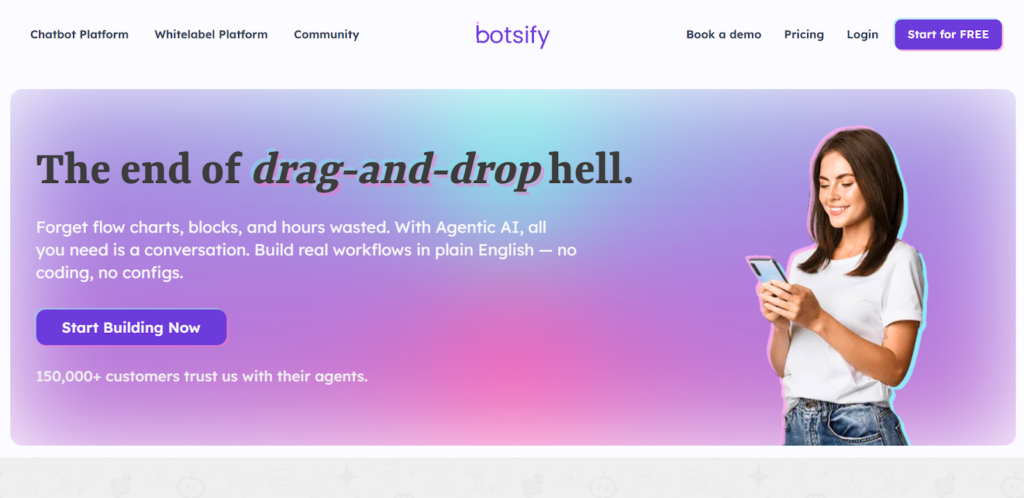
Botsify offers an approachable yet powerful chatbot platform for businesses that want flexibility and control. It caters to users who need cross-channel automation but still want the option to customize bots using advanced integrations. Its mix of simplicity and depth makes it suitable for educators, agencies, and businesses alike.
Channel & Platform Support
- Website chat widget: Yes—fully customizable and easy to embed.
- Facebook Messenger: Supported, enabling marketing and support bots.
- WhatsApp: Available through integration with partner APIs.
- SMS and Slack: Integrated options for internal automation or notifications.
- No Instagram or TikTok bots, keeping its focus on classic messaging and web channels.
Visual Builder & Templates
Botsify’s drag-and-drop flow builder allows users to construct conversations step by step, using conditions and branching for flexibility. The template gallery includes setups for customer support, e-commerce, and education, giving beginners a solid foundation.
Automation, Segmentation & Triggers
Automation in Botsify goes beyond typical chat triggers—it supports event-based messaging, custom attributes, and data-driven workflows via APIs. You can easily connect CRM systems to personalize conversations or automate customer segmentation.
Inbox, Analytics & Usability
A unified inbox keeps all chat conversations in one place, supporting both bots and human agents. The analytics dashboard tracks chat volume, conversions, and satisfaction scores. Overall, Botsify strikes a good balance between ease of use and customization, especially for users who appreciate technical flexibility.
Pricing & Free Plan
Botsify includes a 14-day free trial, giving users time to test the builder and integrations. Paid plans start at $16/month for 1 AI agent and 1,000 credits.
Botsify is a versatile solution that scales well across industries, offering solid automation power without overwhelming newcomers.
Final Thoughts
When comparing all ten chatbot platforms, each stands out for specific strengths. Chatbase and Jotform AI Chatbot Builder appeal to beginners looking for simplicity—one focuses on AI-driven knowledge bases, while the other turns forms into conversational experiences. Tidio and TARS make website interaction effortless, with Tidio leaning toward customer support and TARS focusing on conversion-driven landing pages. Chatfuel, ManyChat, and Botsify lead in social messaging automation, each giving businesses a way to grow engagement through Messenger, Instagram, or WhatsApp. Meanwhile, HubSpot Chatbot and ChatBot serve more structured needs, especially for teams already using CRMs or customer service platforms.
But if you’re looking for a solution that balances power, flexibility, and accessibility, SendPulse easily stands out as the most comprehensive platform overall. Its ease of use, affordability, and multichannel capabilities make it the best solution among other platforms.